![devensoft logo small.png]](https://support.devensoft.com/hs-fs/hubfs/Logos/devensoft%20logo%20small.png?height=40&name=devensoft%20logo%20small.png)
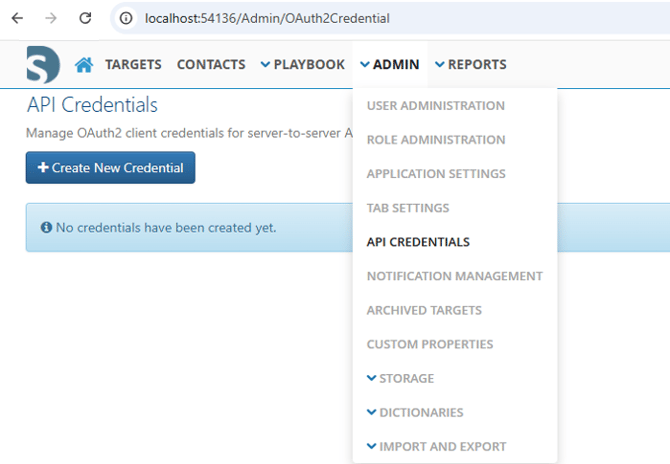
The new credential management screen can be found under the Admin navigation heading on the API Credentials page.
This page is where Administrators will be able to view the list of existing Credentials and Create new Credentials.
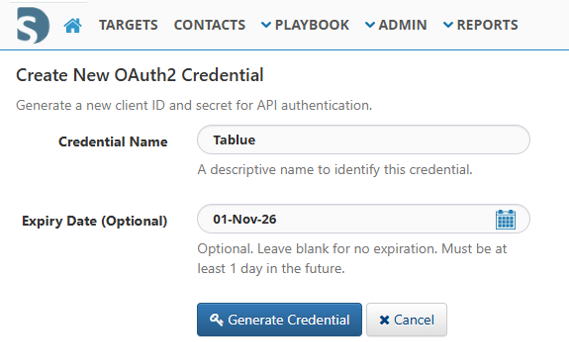
When creating a new Credential, two properties are needed:
-
Name: An easily identifiable name related to the Credential's use case
- Expiry Date: This optional property dictates how long the new Credential will be valid for the Integration to use. Leaving the property blank results in a Credential that will never expire
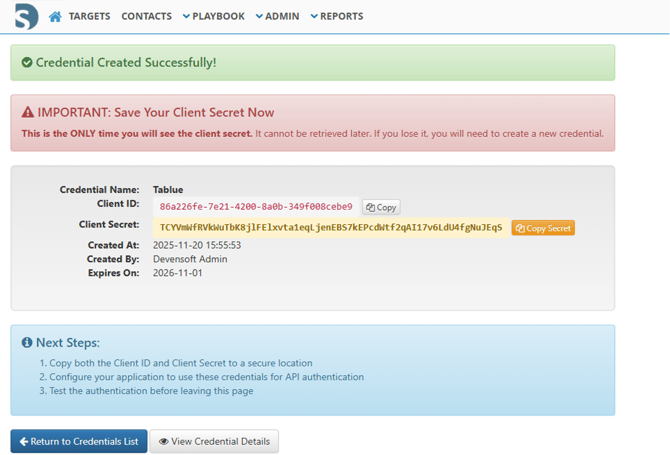
Upon successful Credential creation, the following page will be shown with some important information.
This page, immediately following creation, is the only time the Client Secret will be shown.
It displays the relevant details on the new Credential as well as some important next steps:
-
Copy both the Client ID and Client Secret to a secure location
- Configure the connecting application to use these credentials for API Authentication
- Test the authentication before leaving this page
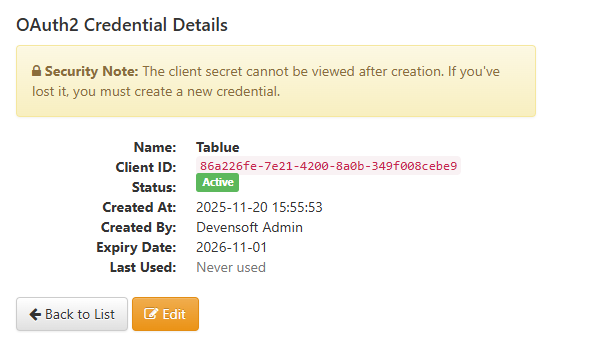
After creation and following the listed steps, the new Credential can be viewed in the listing page where the Name and Client ID are easily referenced.

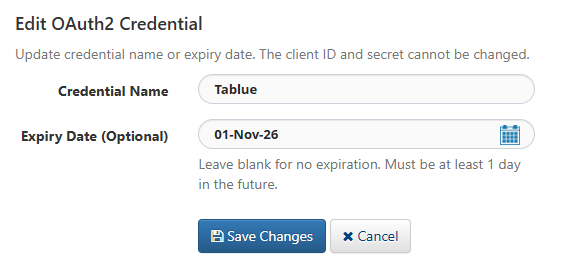
From this page, Administrators can also view the Details of and Edit existing Credentials, however there is no option to view the Client Secret after the Creation page.
When an Integration with DevenConnect is decommissioned, Administrators should be sure to Revoke the corresponding Credential so that it cannot be leveraged by any other applications.